> ## Documentation Index
> Fetch the complete documentation index at: https://getconvoy.io/docs/llms.txt
> Use this file to discover all available pages before exploring further.
# Portal Links
A Portal Link is used to generate a customer-facing dashboard to display information
on an endpoint's event deliveries. The portal link serves as a medium to quickly generate
portals for users to review and debug events from a publisher. You can generate one
time links via the dashboard or long-use links to be embedded in your dashboards via the API."
A portal link can be created for one or more endpoints.
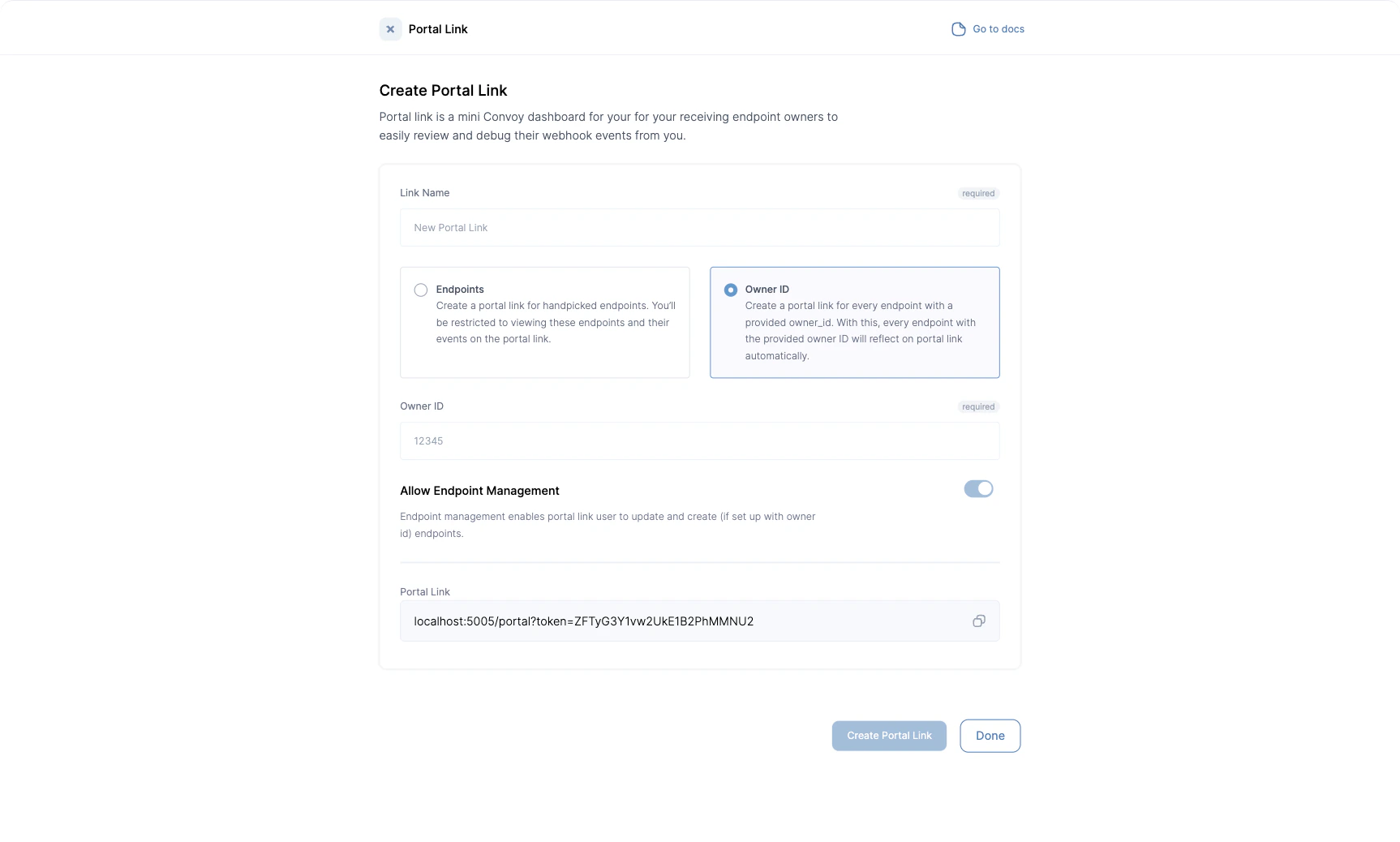
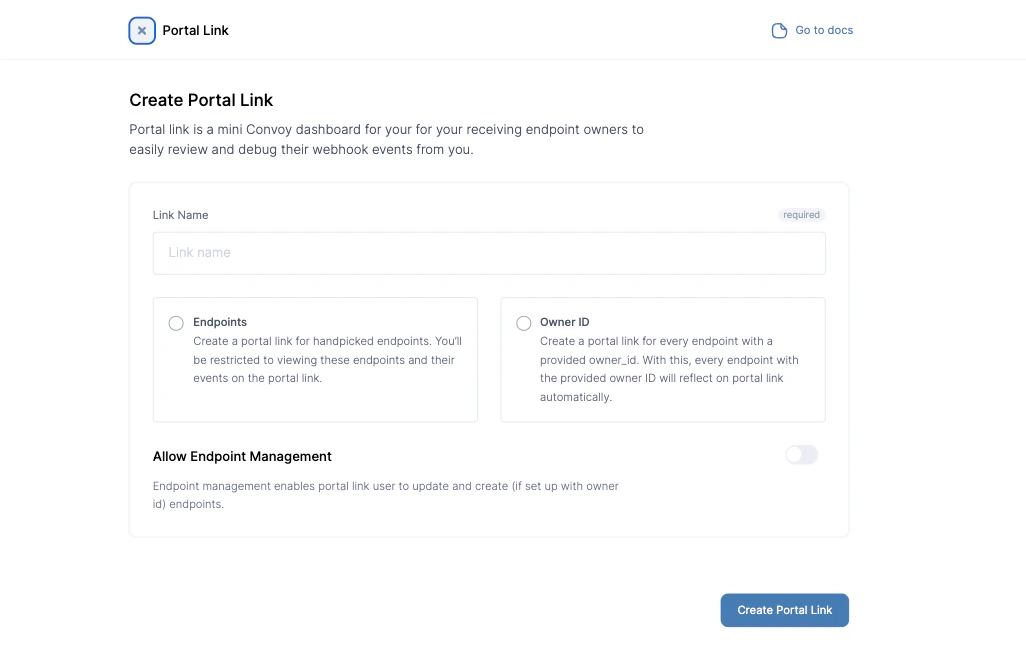 Once a portal link is created, the link can be copied from the same page or the portal links page.
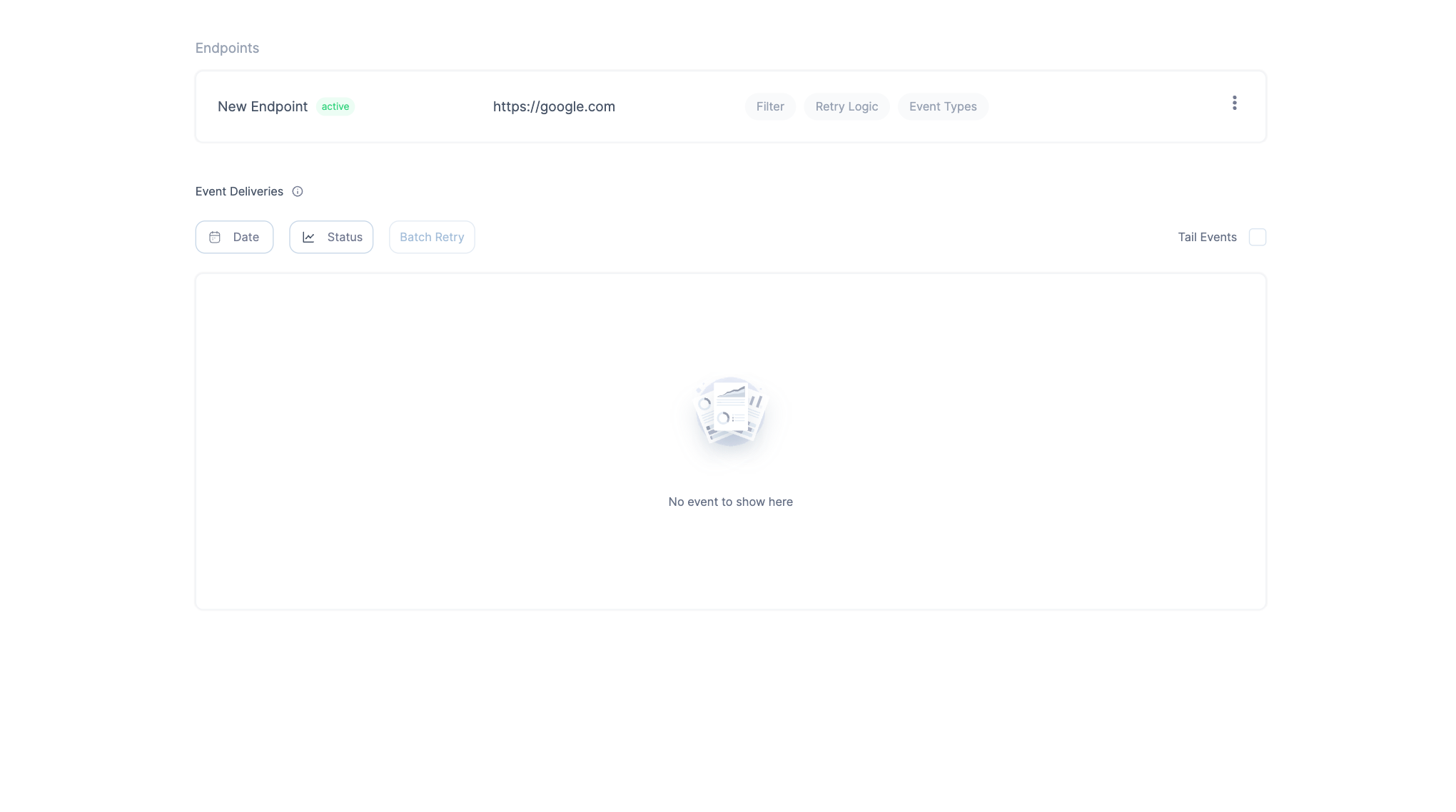
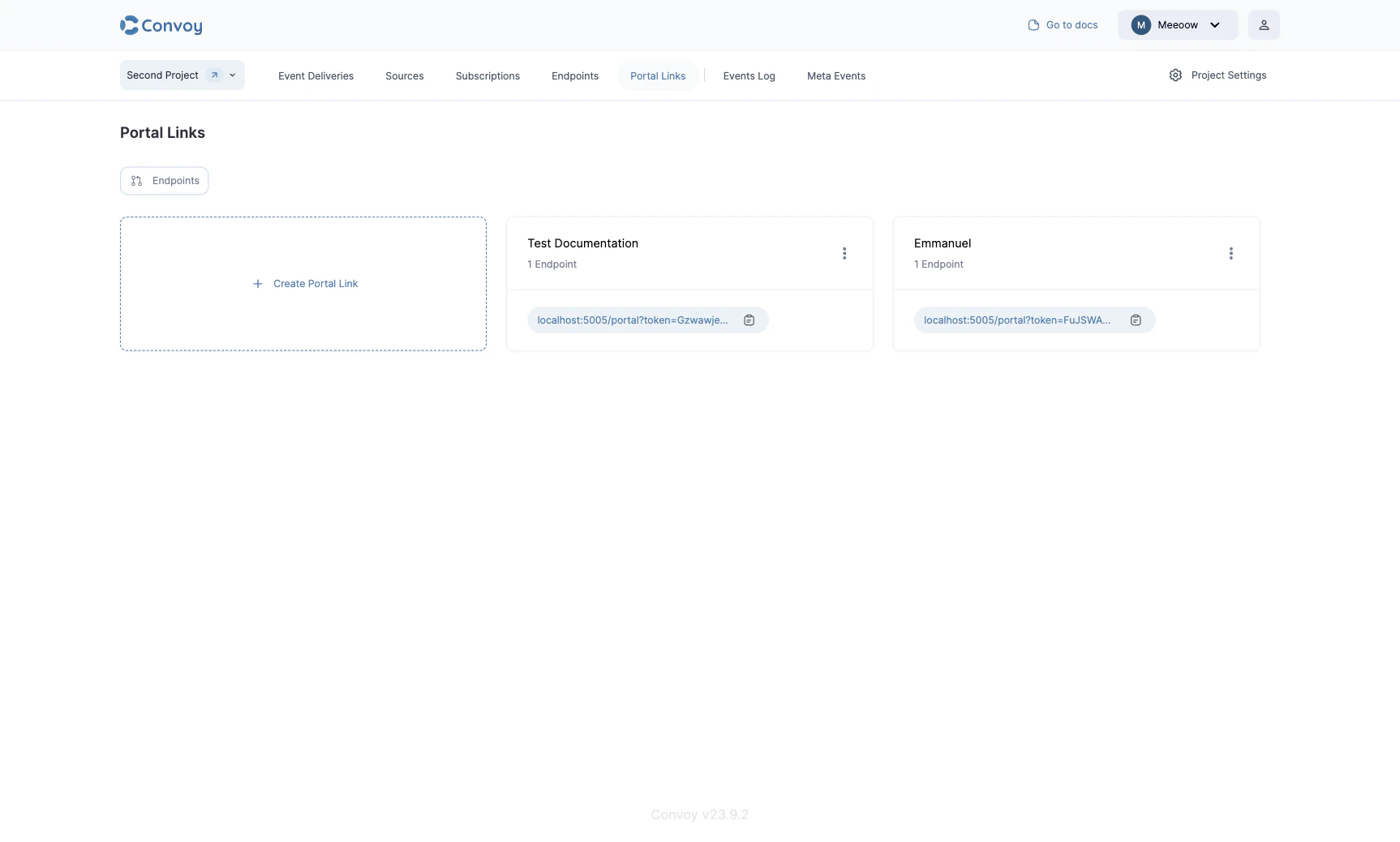 The event deliveries associated with the endpoint are listed. These events can be filtered, retried and expanded upon to view more details.
 ## Caveats
* Portal Links do not expire, to disable you have to explicitly call the API or disable it through the dashboard.
* Portal Links can be created for one or more endpoints.
## Caveats
* Portal Links do not expire, to disable you have to explicitly call the API or disable it through the dashboard.
* Portal Links can be created for one or more endpoints.